

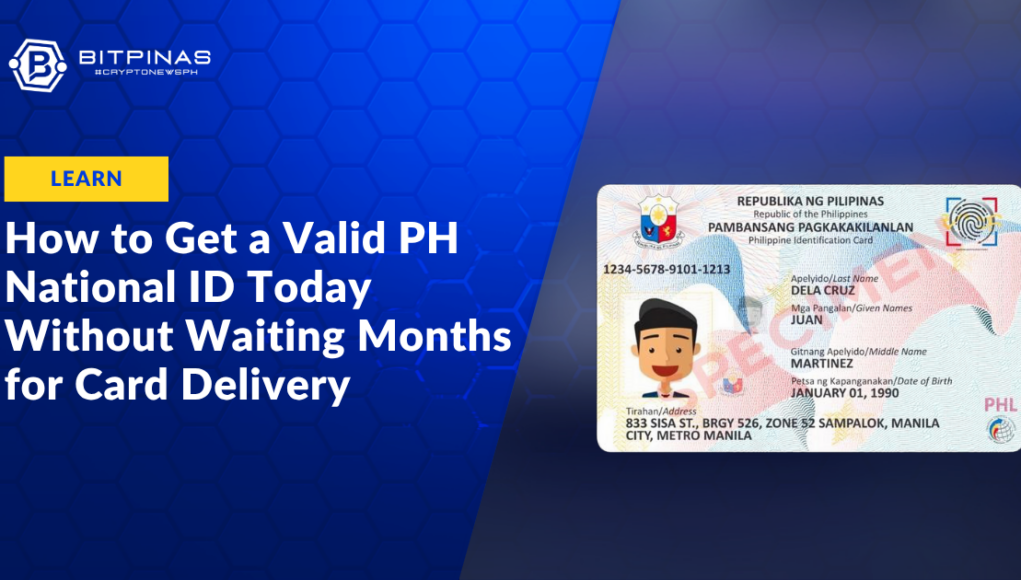
Opening a bank account or applying for a passport in the Philippines used to mean holding off until you receive your physical government ID. That delay is no longer necessary. Anyone who needs a primary government credential can generate an officially recognized Digital National ID on their smartphone today.
The End of Physical Card Bottlenecks?
Physical card production and postal distribution across the archipelago have historically created long delivery backlogs, leaving citizens without primary proof of identity for months. (Read More: DICT Urges Meta to Require Philippine National ID for Facebook and Instagram Accounts)
To solve this, the Philippine Statistics Authority (PSA) and the Department of Information and Communications Technology (DICT) integrated digital identity credentials into mobile platforms. The Digital National ID carries the exact same legal weight as the physical polycarbonate card. Because public and private institutions can authenticate your details in real time using a dynamic QR code, you no longer have to wait for physical plastic to arrive in the post.
Step-By-Step: Securing Your Digital ID
The process depends on whether you have already submitted your biometric data to the Philippine Identification System (PhilSys).
1. For New Applicants: Complete Walk-In Biometrics
If you have never registered with PhilSys, you must complete an initial biometrics capture session.
- Visit a Registration Center: Walk into any active PhilSys registration center located in PSA offices, selected malls (SM, Robinsons), post offices, or local government halls. Pre-registration is disabled, so no prior appointment is required.
- Bring Supporting Documents: Present one primary ID (e.g., Philippine Passport, Driver’s License, UMID) or two secondary documents (e.g., Barangay Certificate, School ID, Employee ID).
- Capture Data: Staff will capture your fingerprints, iris scans, and demographic details. You will leave with a 29-digit Transaction Reference Number (TRN) slip.
2. For Registered Citizens: Generate Your ID Online
Once your biometric record is verified in the system, you can pull up your digital credential instantly:
- Via the eGovPH App: Download the official eGovPH app from the Google Play Store or Apple App Store. Create an account, tap the Digital ID icon, and complete the brief live facial verification scan to unlock your credential.
- Via Web Browser: Visit
national-id.gov.phon a mobile device or PC with a camera. Input your basic personal details, pass the live selfie check, and view your verified ID on screen. - Printable Paper Copy: If you need a physical printout, download a PDF version at
ephilid.philsys.gov.phusing your TRN or request a printed ePhilID directly at a registration center.
Validation and Legal Restrictions
Institutions accept and verify your Digital National ID by scanning its unique embedded QR code via the official government portal at everify.gov.ph. Under Philippine law, banks, telecom operators, and government agencies like SSS, GSIS, and PhilHealth must accept the digital version for identity verification.
Be aware that third-party vendors offering to print digital credentials onto custom plastic cards operate illegally. The government strictly prohibits commercial PVC printing because it alters required security features. Only official smartphone views, PSA paper printouts, and factory-issued polycarbonate cards are legally valid.
This article is published on BitPinas: How to Get a Valid Philippine National ID Today Without Waiting Months for Card Delivery
What else is happening in Crypto Philippines and beyond: